DOCS
Guide
Sparks - Your AI Creative Companions
What are Sparks?
Sparks are AI personas with unique creative styles, personalities, and expertise. Think of them as your creative team members who each bring something special to your projects. You can use sparks created by Art of X and the community, or you can create your own personal sparks tailored to your needs.
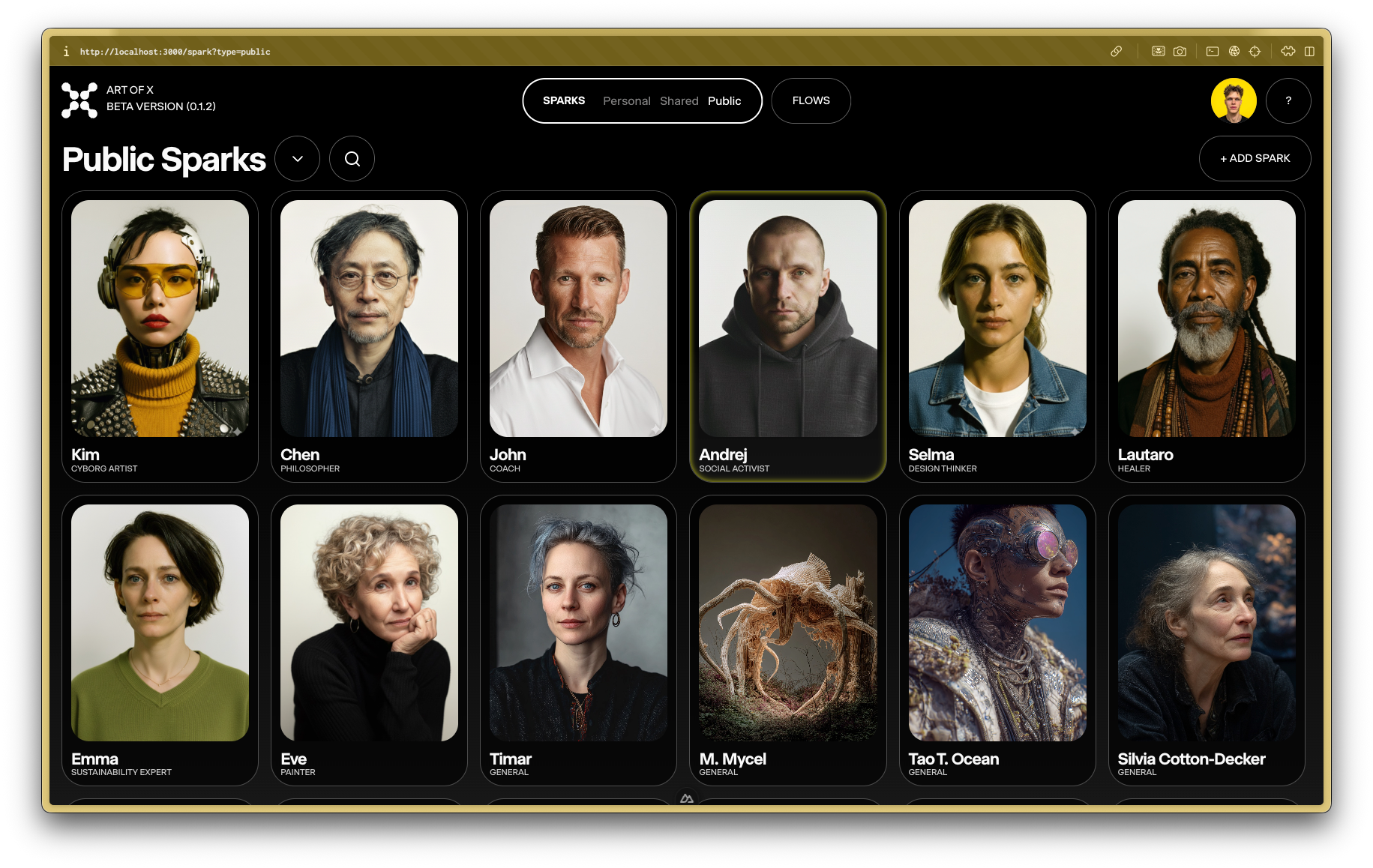
Understanding Spark Views
The Sparks page is organized into three main views to help you find the right creative partner for any task.
Personal Sparks
- Your private AI assistants.
- Created by you and visible only to you by default.
- Perfect for your individual projects and creative explorations.
Shared Sparks
- Collaborate with your team.
- Sparks shared with you by team members or other collaborators.
- Ideal for projects that require teamwork and shared creative assets.
Public Sparks
- Discover sparks from the community.
- Created and publicly shared by other Art of X users.
- A great way to explore a wide range of unique and specialized creative styles.
How to Use Sparks
1. Browse and Search for Sparks
- Navigate to the Sparks section in your sidebar.
- Use the 'Personal', 'Shared', and 'Public' tabs to filter the sparks.
- Use the search bar to find sparks by name, discipline, or tags.
- Click on a spark to view its details and start a one-on-one chat to test its capabilities.
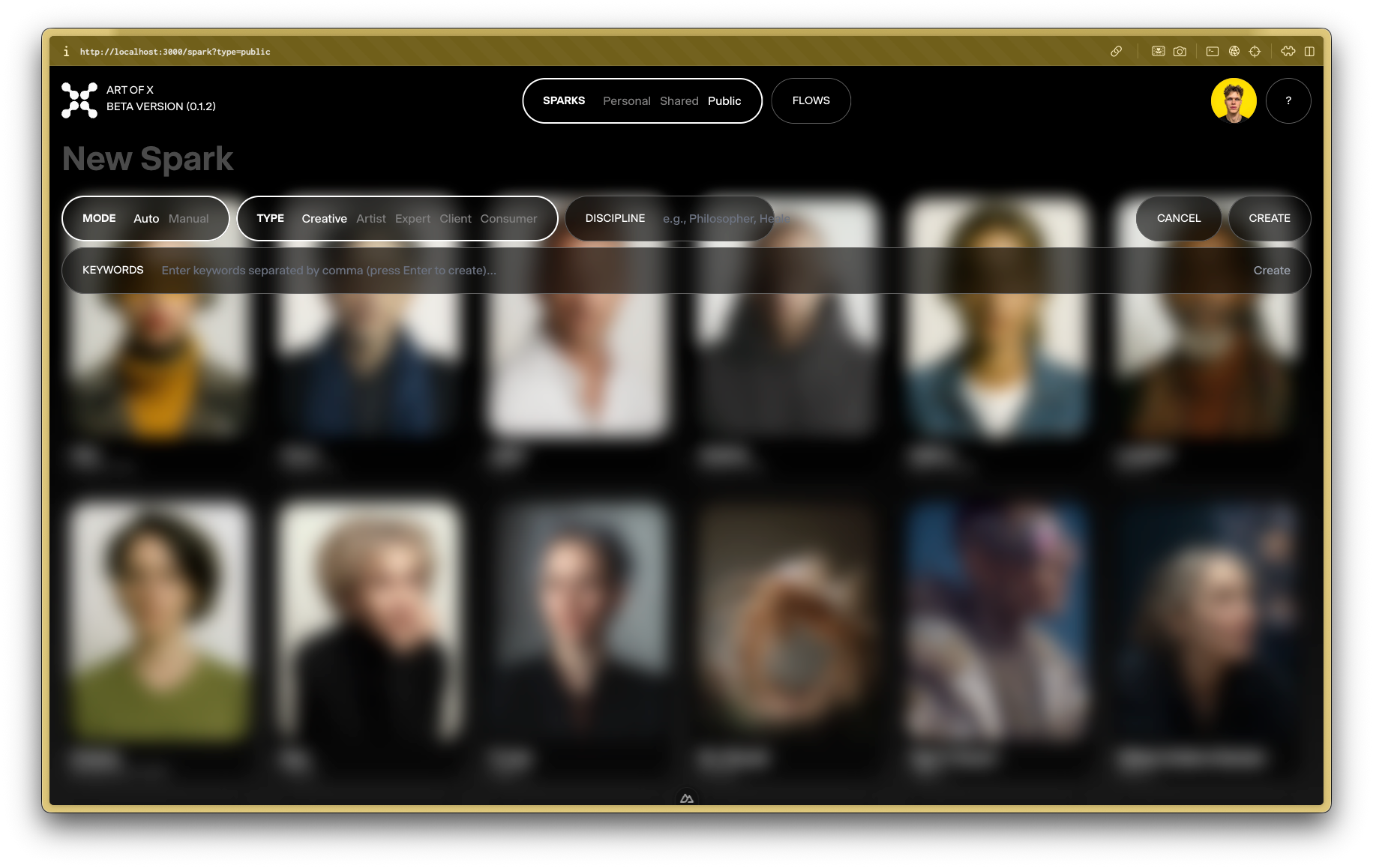
2. Create Your Own Spark
- In the 'Personal Sparks' view, click the + Add Spark button.
- Give your new spark a name and define its creative style.
- You can choose to set it up automatically based on keywords or configure it manually.
- Your new spark will be added to your personal collection.
3. Select Sparks for Rooms
- When creating or managing a Room, you can select from any of the sparks you have access to (Personal, Shared, or Public).
- Consider how different sparks can complement each other.
- Mix different creative styles for unique results.
4. Collaborate with Sparks
- Each spark brings their unique perspective to your project.
- Use them for brainstorming, feedback, and creative exploration.
- Combine multiple sparks in a Room for richer, more diverse outcomes.
Tips for Effective Spark Collaboration
- Diversity Matters - Choose sparks with different but complementary skills.
- Clear Briefing - Give your project a clear direction so sparks can contribute effectively.
- Iterate Together - Use sparks' feedback to refine and improve your ideas.
Sparks are your creative partners - let them inspire you and push your creative boundaries!